Product design · My own product
In progresstend
A simple app for teachers, tutors and other solo workers to keep clients, appointments and payments in one place. My own product, taken from an idea to a working prototype.
Overview
The problem
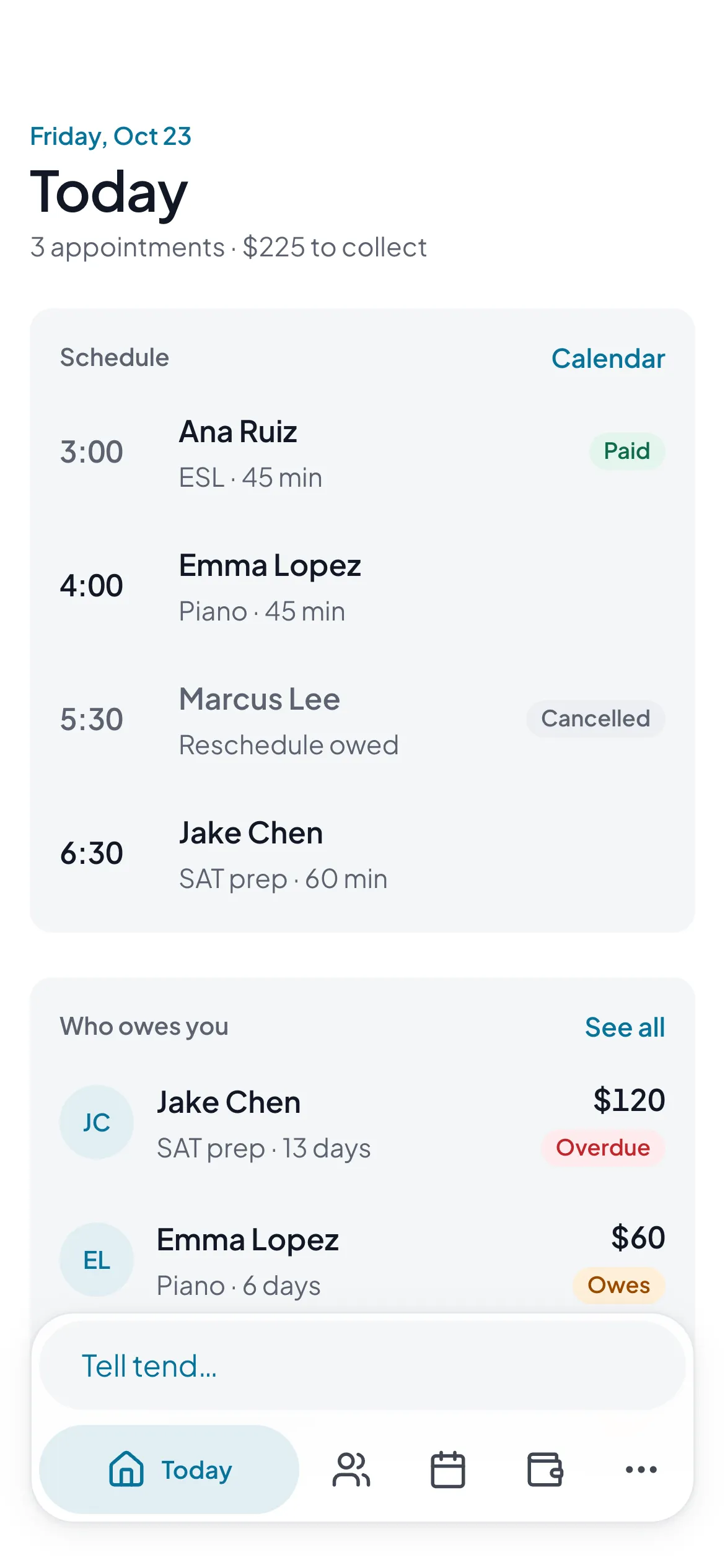
If you teach piano, tutor math or detail cars, you’re running a tiny business by yourself. Clients live in your phone, the schedule lives in a calendar (or your head), and who paid lives in Venmo, a notes app, or nowhere.
The apps made for this are usually built for bigger businesses: lots of features and a monthly fee that keeps going up. I wanted something simpler. Who’s coming today, who owes me, and a little help at tax time.
01 · Research
Listening before I had anyone to ask
I didn’t have a list of people to interview, so I started with what people were already saying online: forums and reviews from tutors, teachers and mobile workers. Two things kept coming up. The tools get pricier and more complicated every year, and getting paid is the hard part. Late payments, prepaid packages, last-minute cancellations.
I turned that into a short survey in English and Spanish, plus five proto-personas. Those are my best guesses about who this is for, written down so I can check them. They’re not real research yet. That’s what testing is for.
02 · Scope
Small on purpose
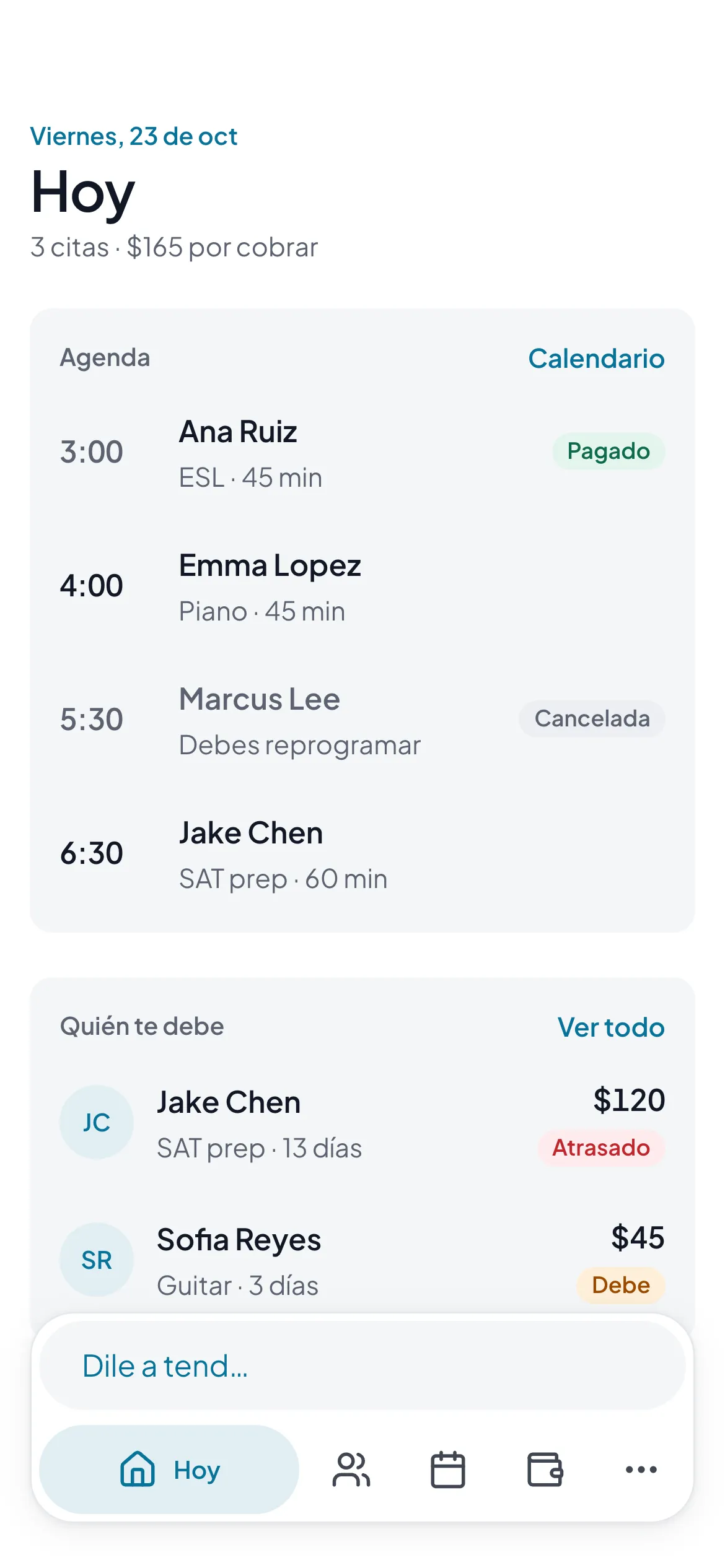
A few early calls shaped everything after. It’s a web app you add to your home screen, so no app stores. It’s free, kept running by donations, because nobody here needs another monthly fee. And it’s in English and Spanish from day one.
It also doesn’t assume your job. It says “appointment,” not “lesson,” so it works for a tutor or a landscaper. The only job-specific words are the ones you type in.
03 · Wireframes
Start gray, then argue with it
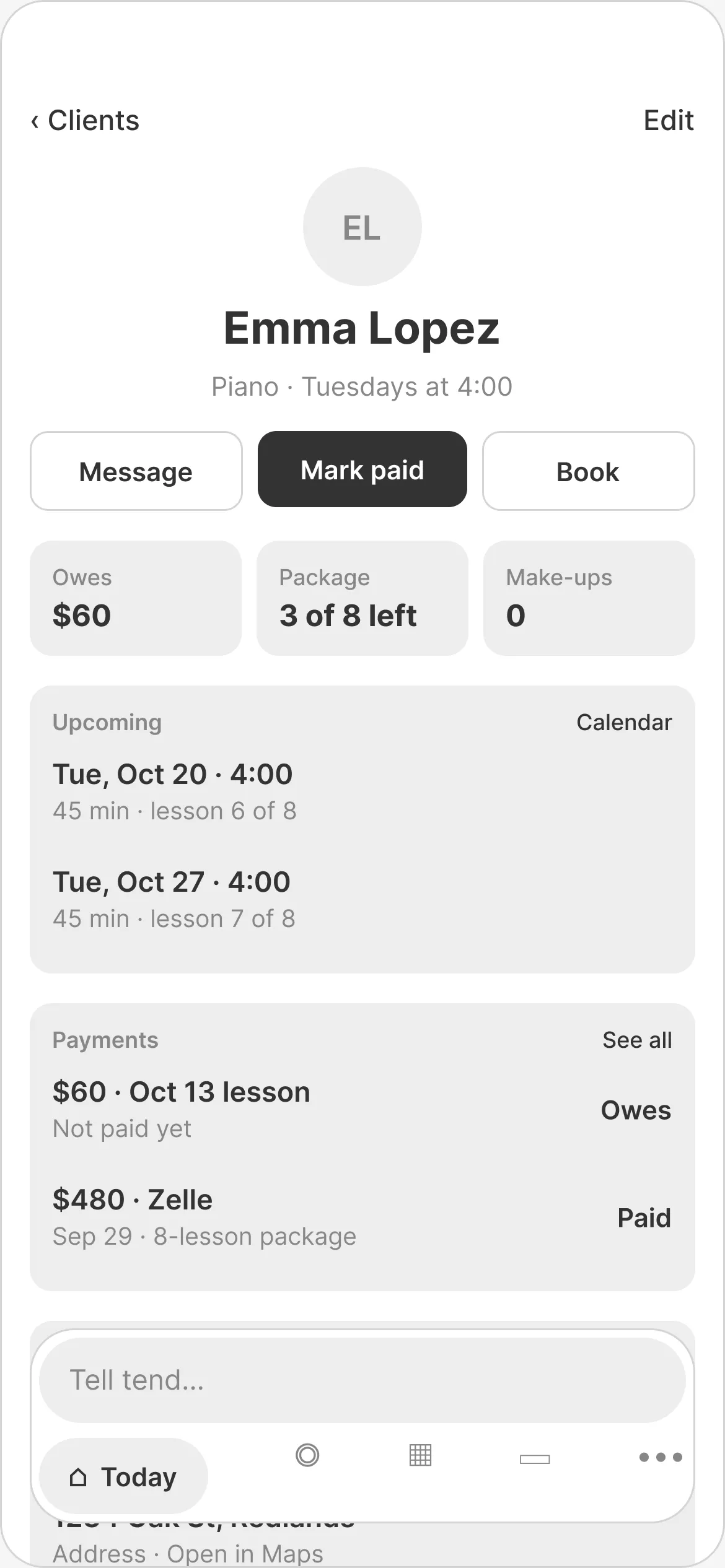
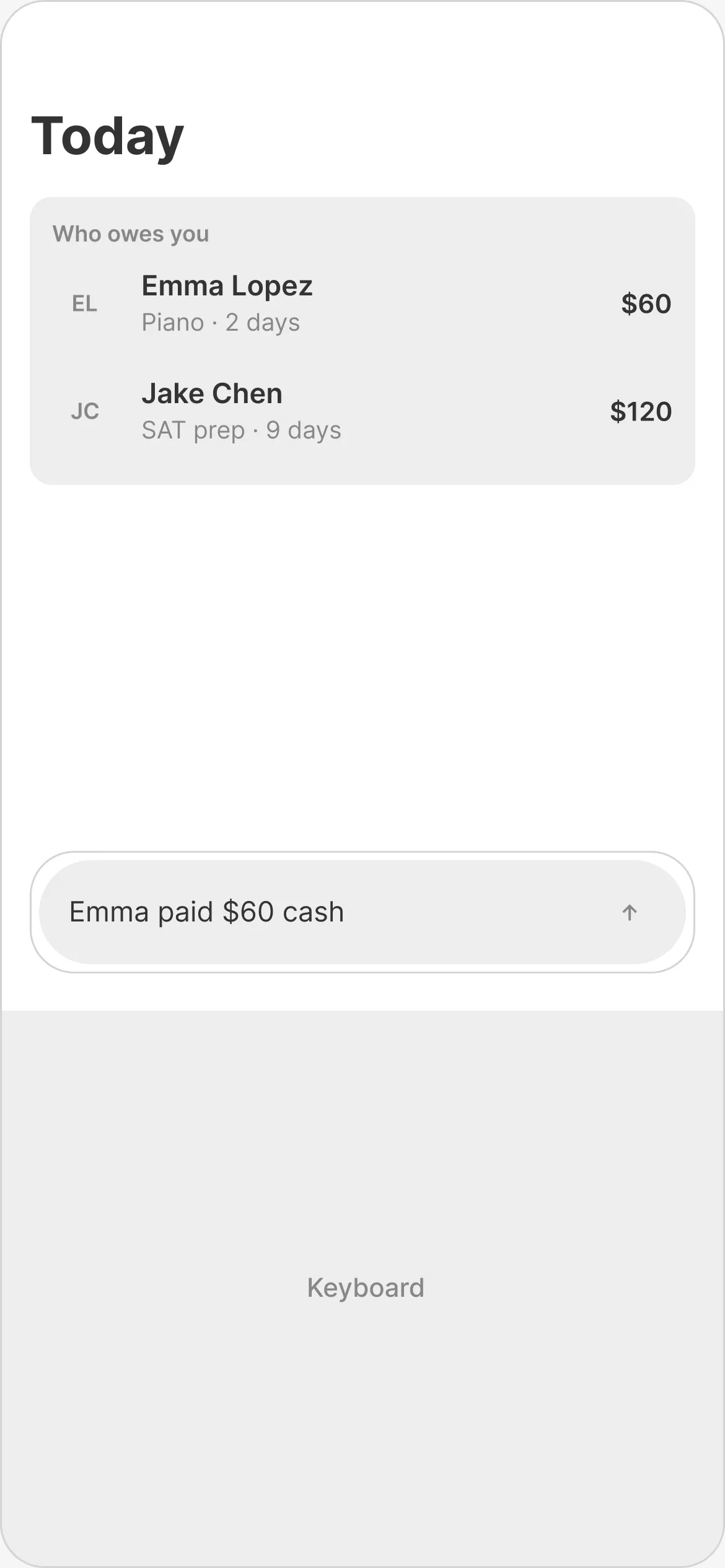
I sketched the main flows in grayscale first: a client page, getting paid through the chat box, and the desktop view. No color, just layout and words.
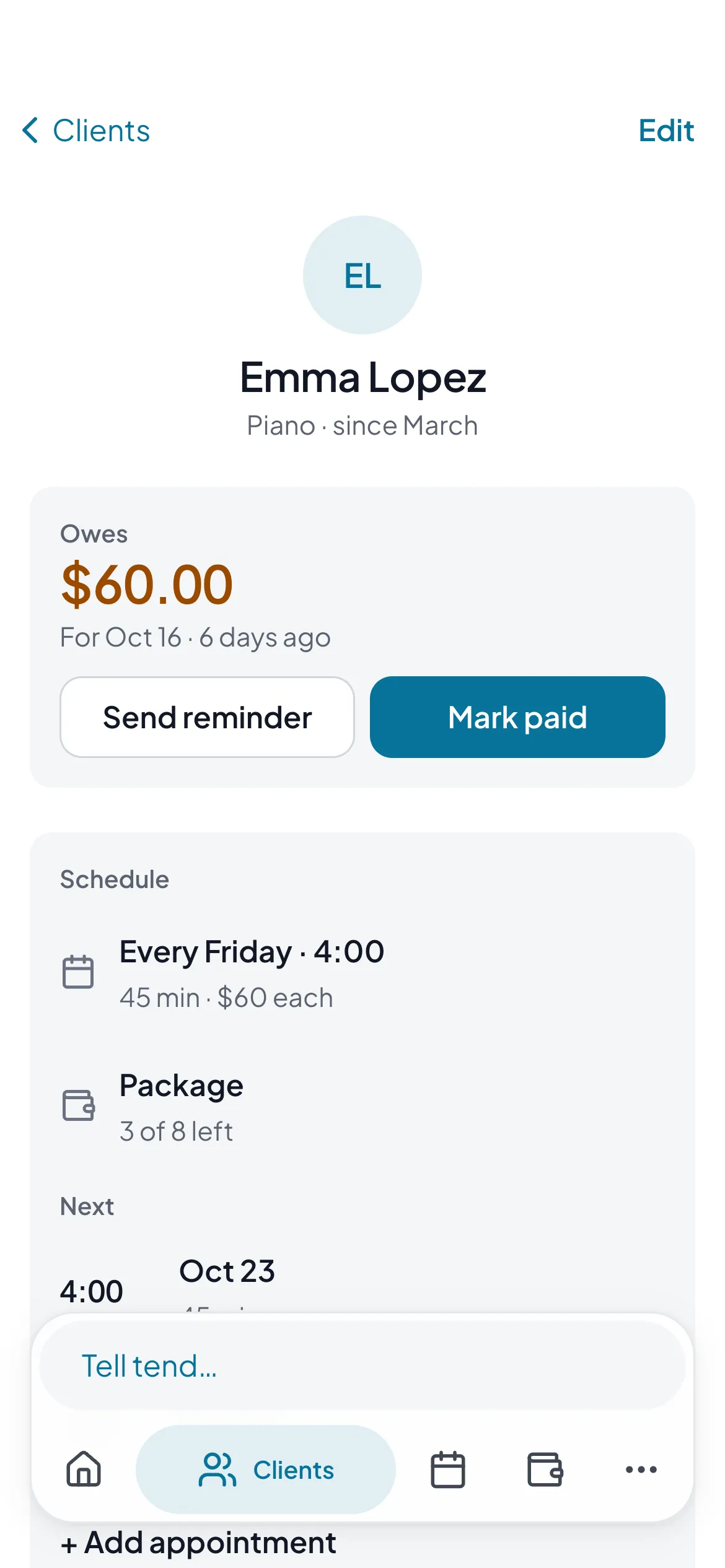
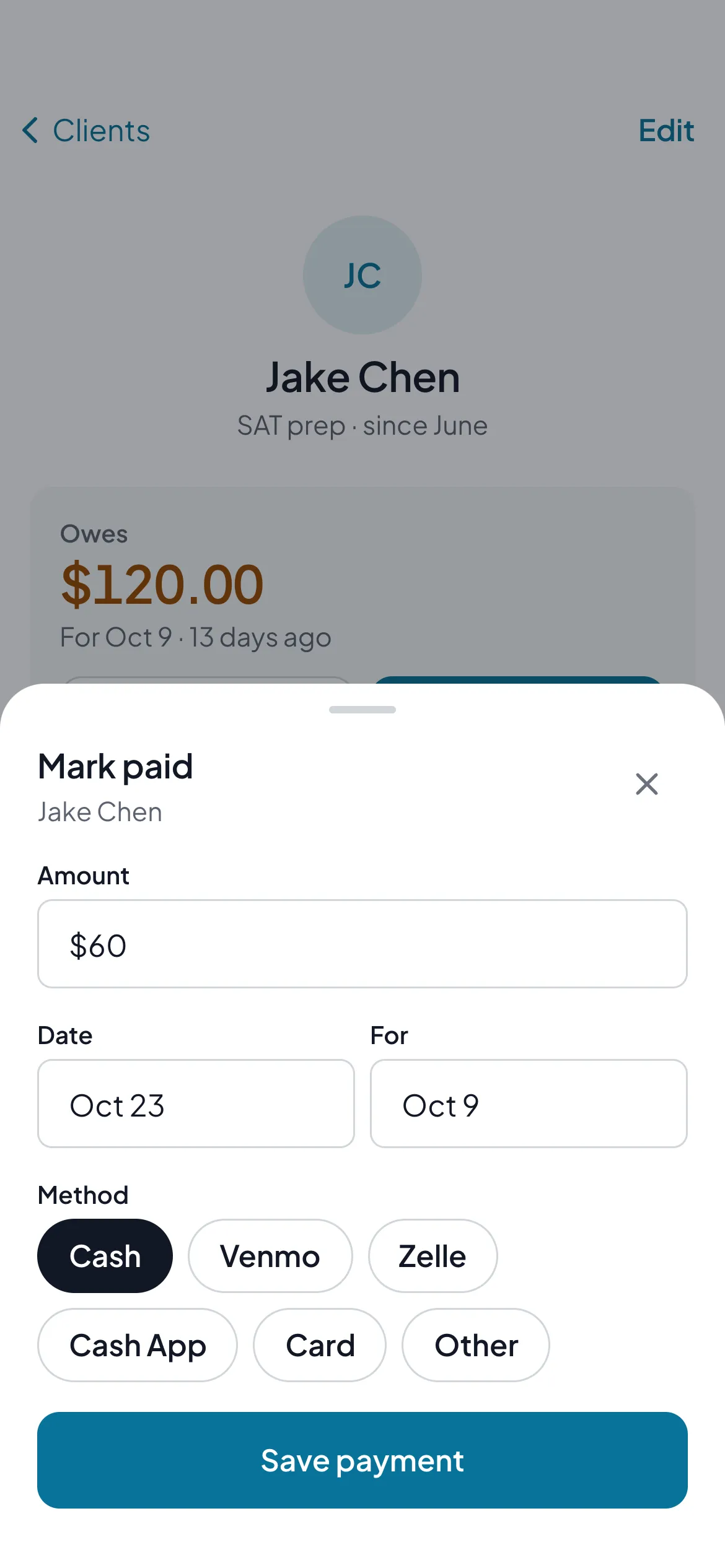
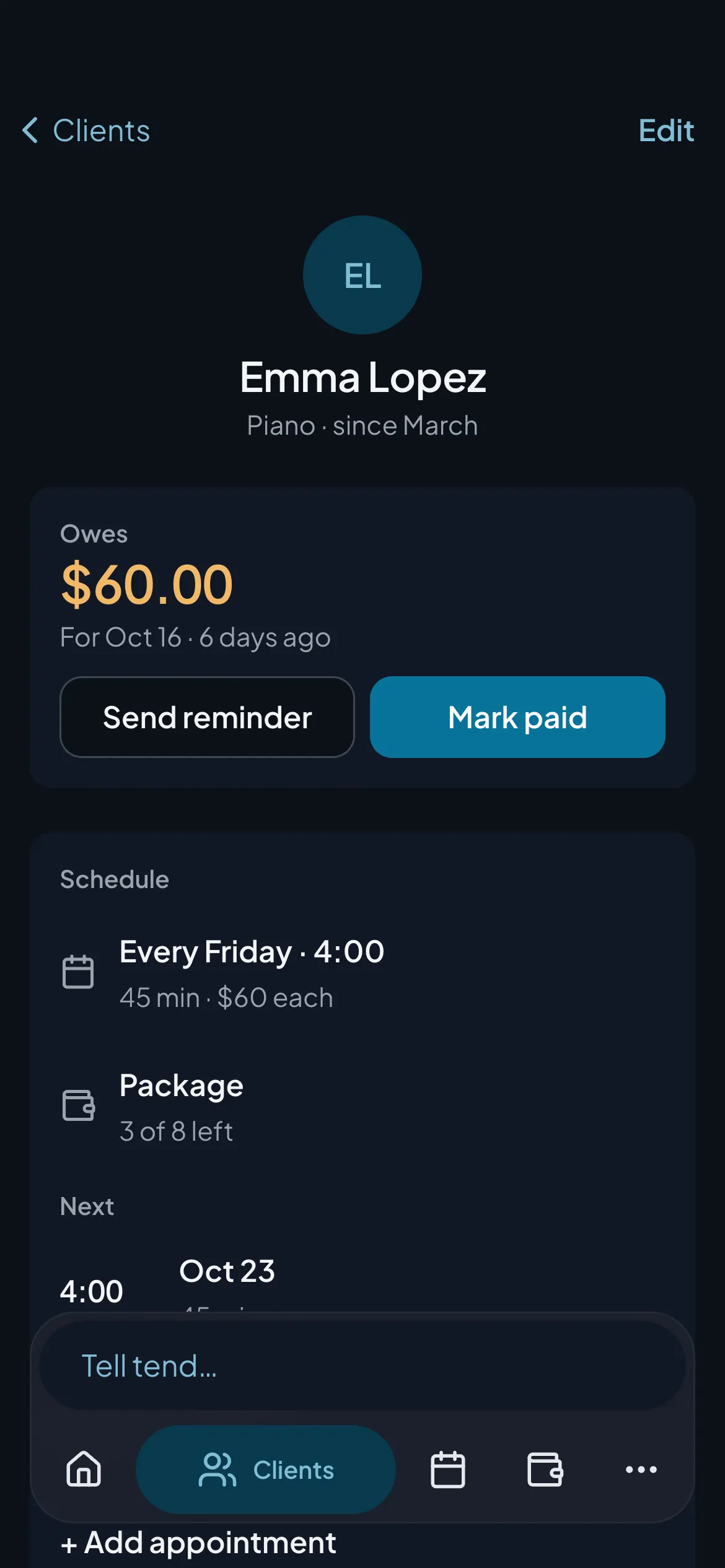
My first client page had three big buttons: Message, Mark paid and Book. Looking at it, I couldn’t say what each one did. Mark paid for which visit? Book another one, when most people set up repeating appointments? The redesign leads with what you actually want to know: does this person owe me, and for when. Booking and messaging moved to where you’d look for them.
04 · The chat box
Just tell it
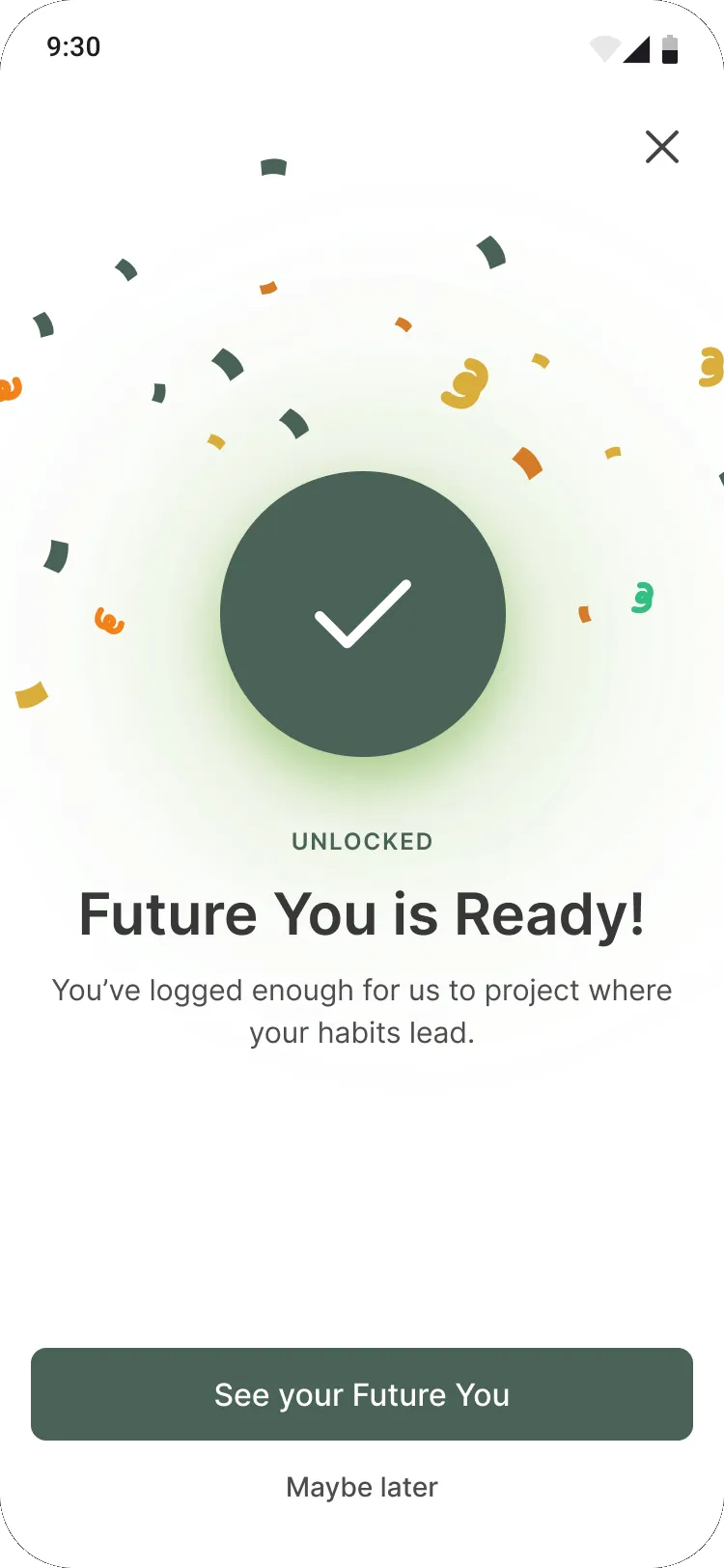
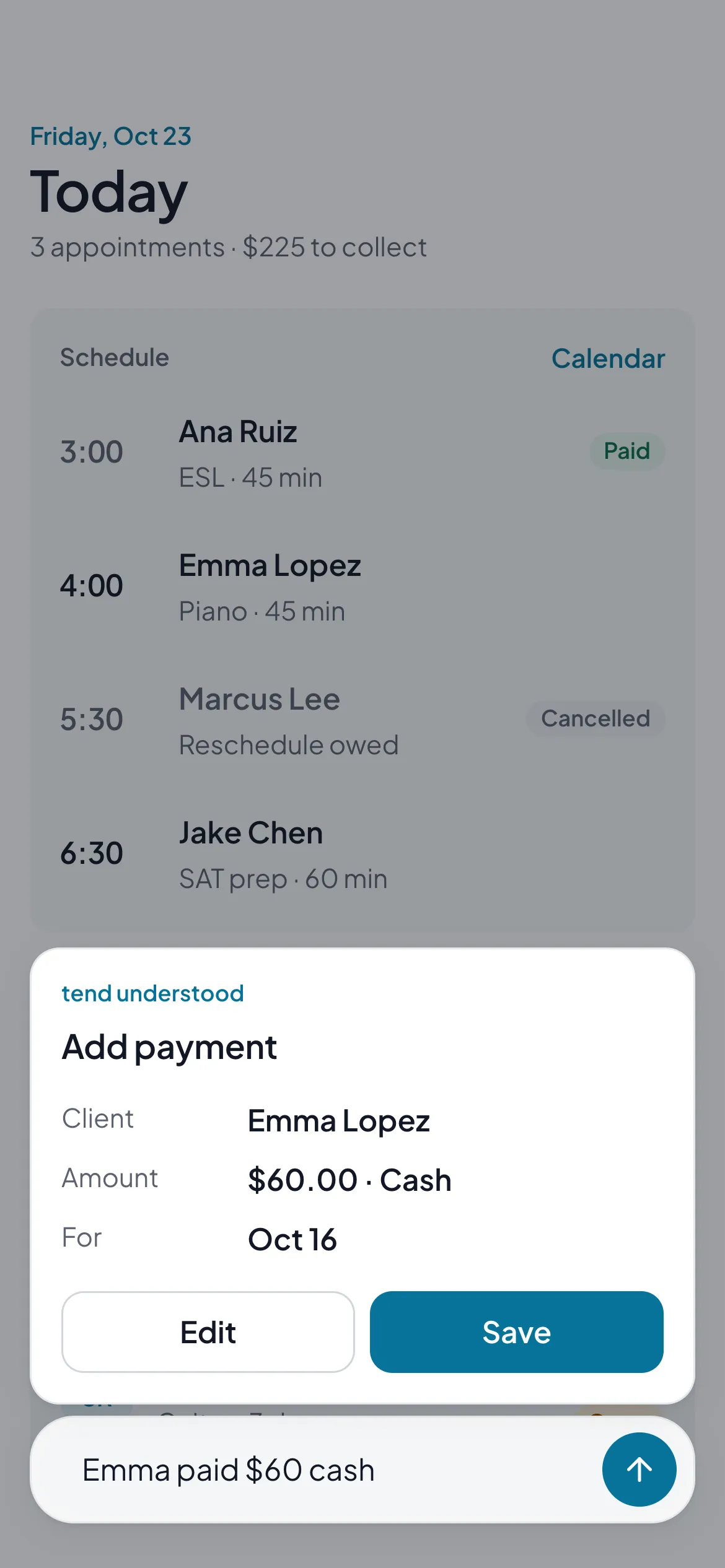
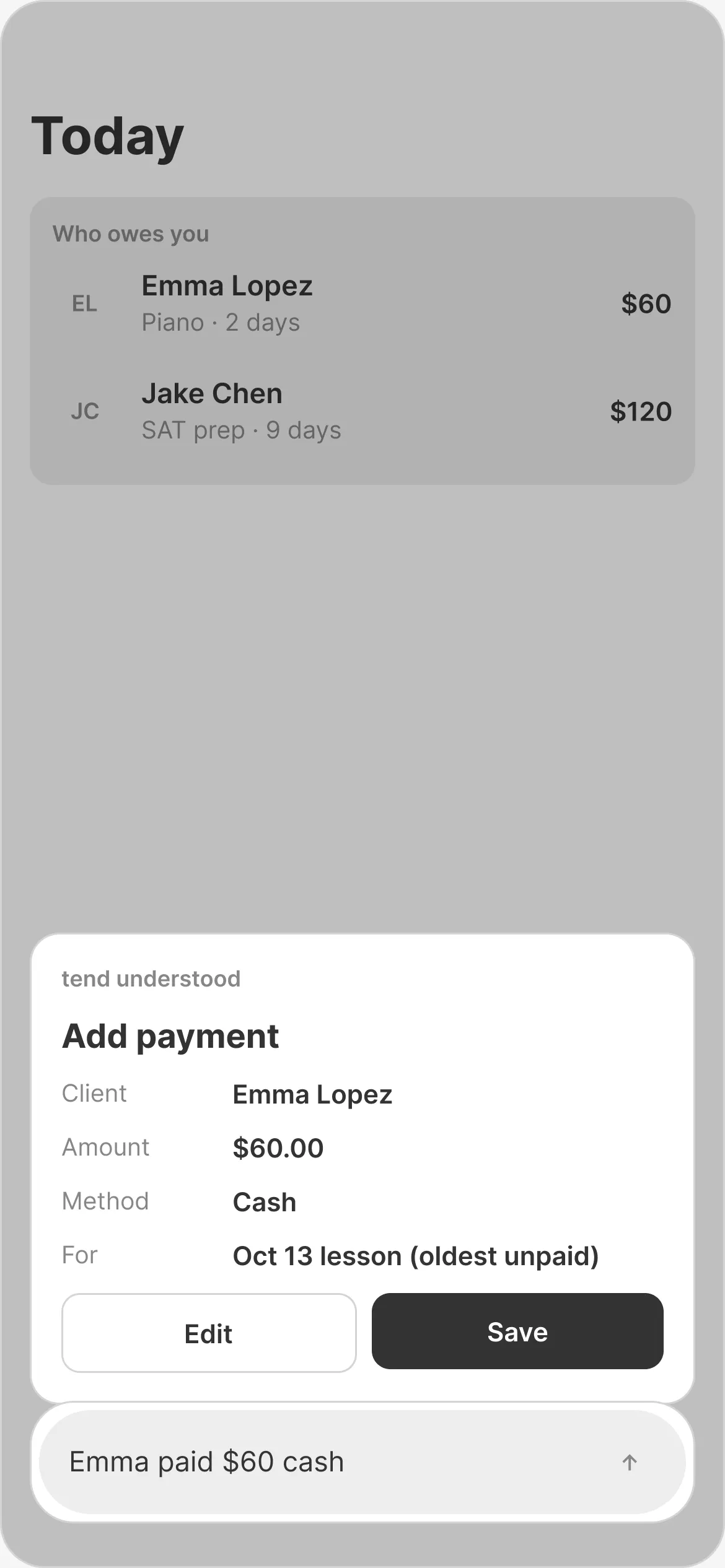
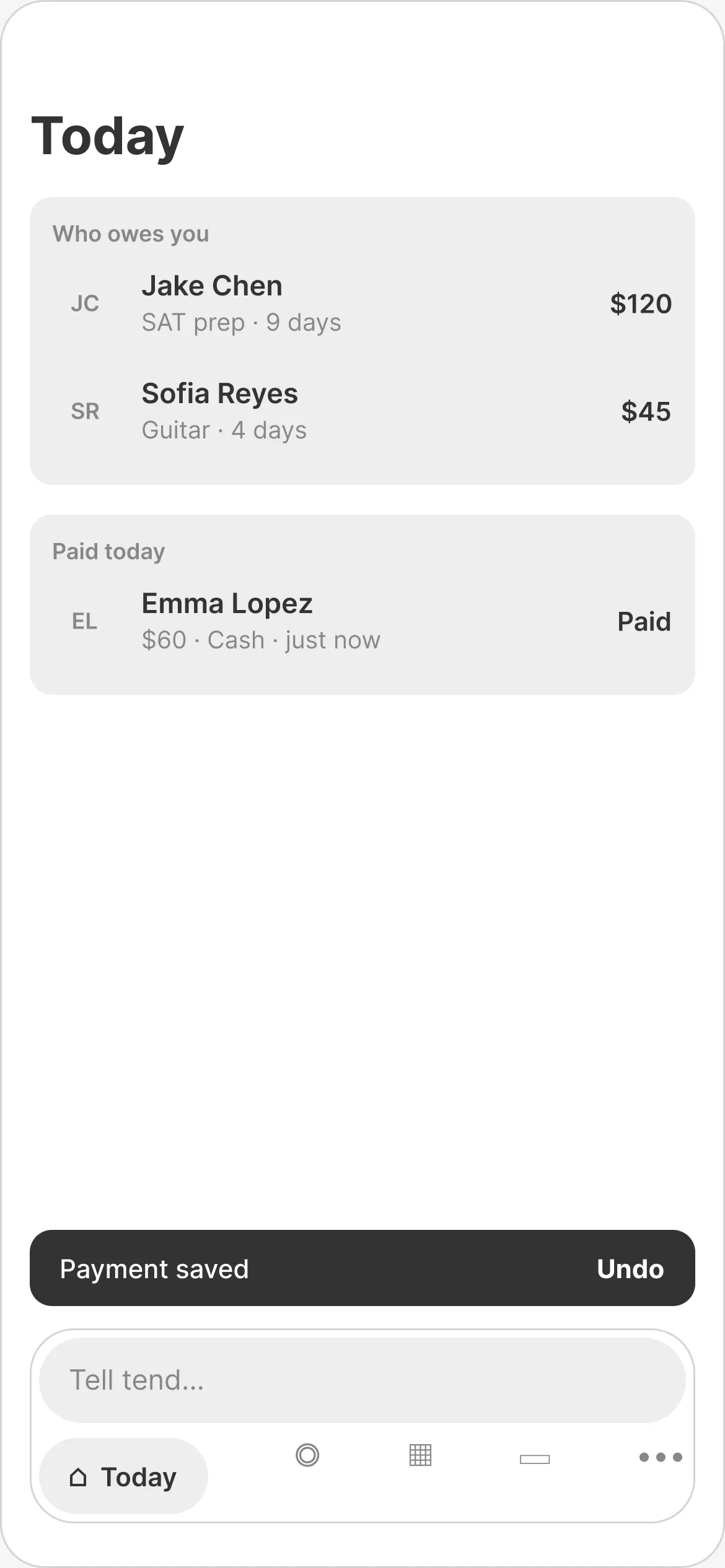
This is the part I’m most excited about. Instead of filling out forms, you type what happened, like “Emma paid $60 cash.” tend figures out who, how much and how, and shows you a card before anything is saved.
If there are two Emmas, it asks. If you change your mind, there’s Undo. I left voice out of version one to keep costs down, but the card works the same either way, so it can come later.
Nothing saves until you say so.
The card says back what tend understood, in plain words. One tap to save, one tap to fix.
Try it: tap one, or type your own
This demo only understands payments. The prototype also adds clients, appointments, expenses and mileage.
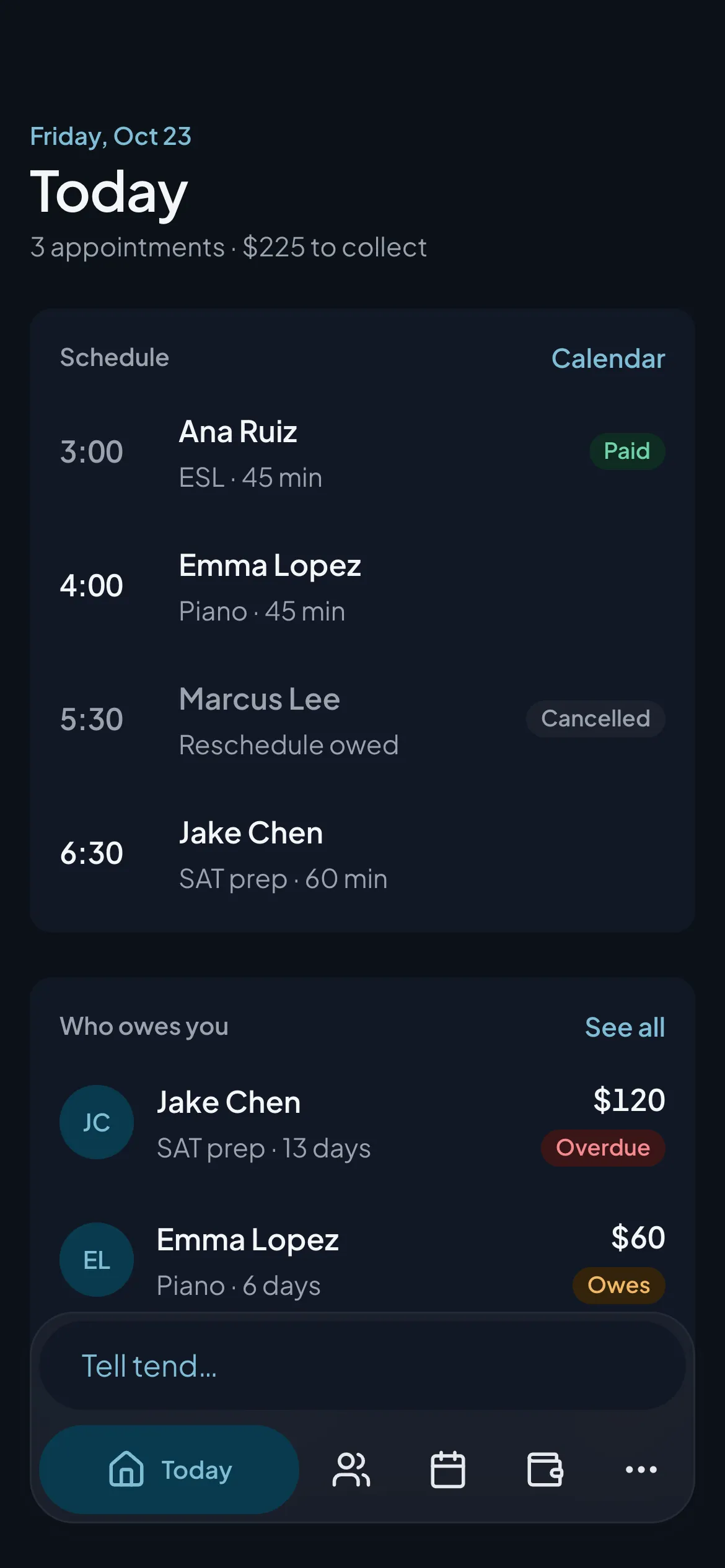
Today
Who owes you
See allEveryone’s paid up.
05 · Look & feel
Calm, not corporate
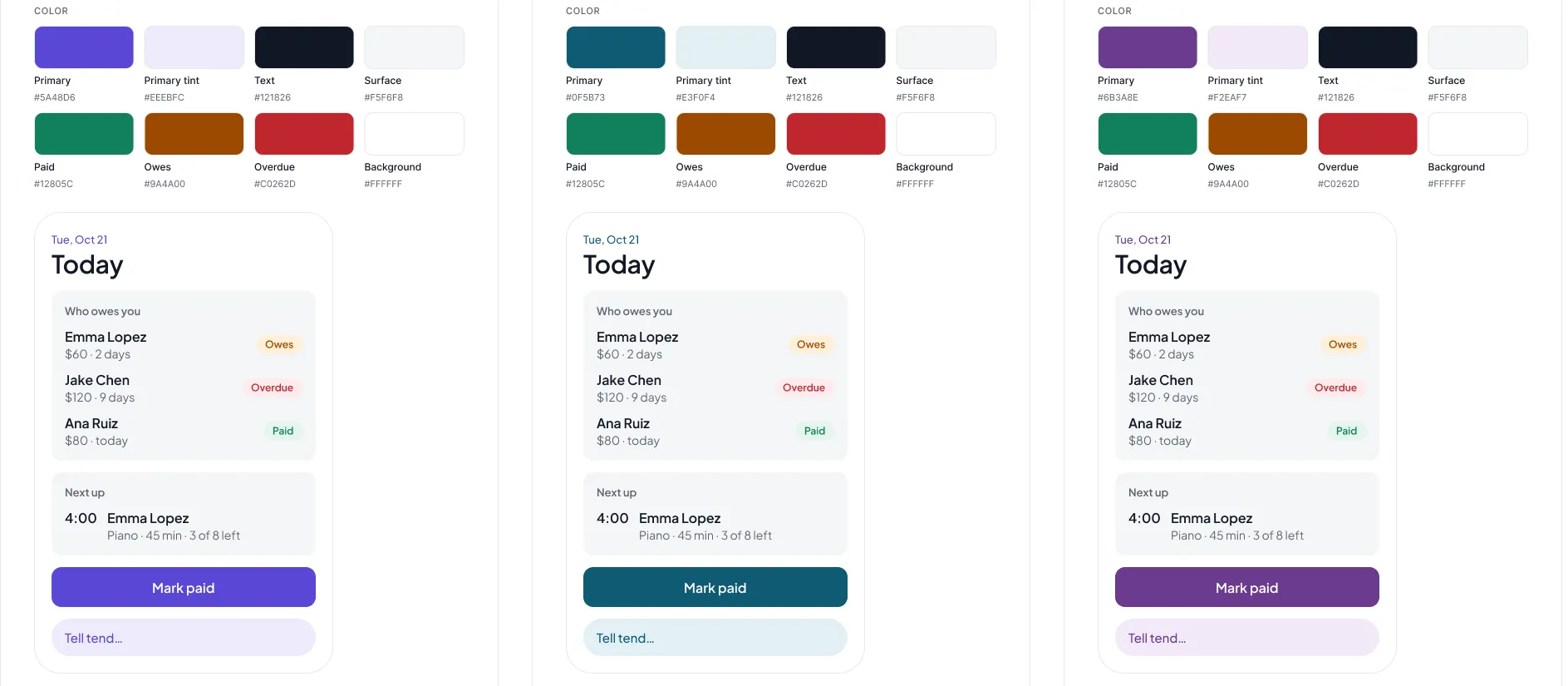
I tried three directions, then three colors. Green was out because it’s too close to money and to “paid.” Plain blue felt like every other app. I landed on petrol, a deep blue-teal, then pushed it a little brighter so it didn’t feel heavy. The font is Plus Jakarta Sans: friendly, but serious enough for money stuff.
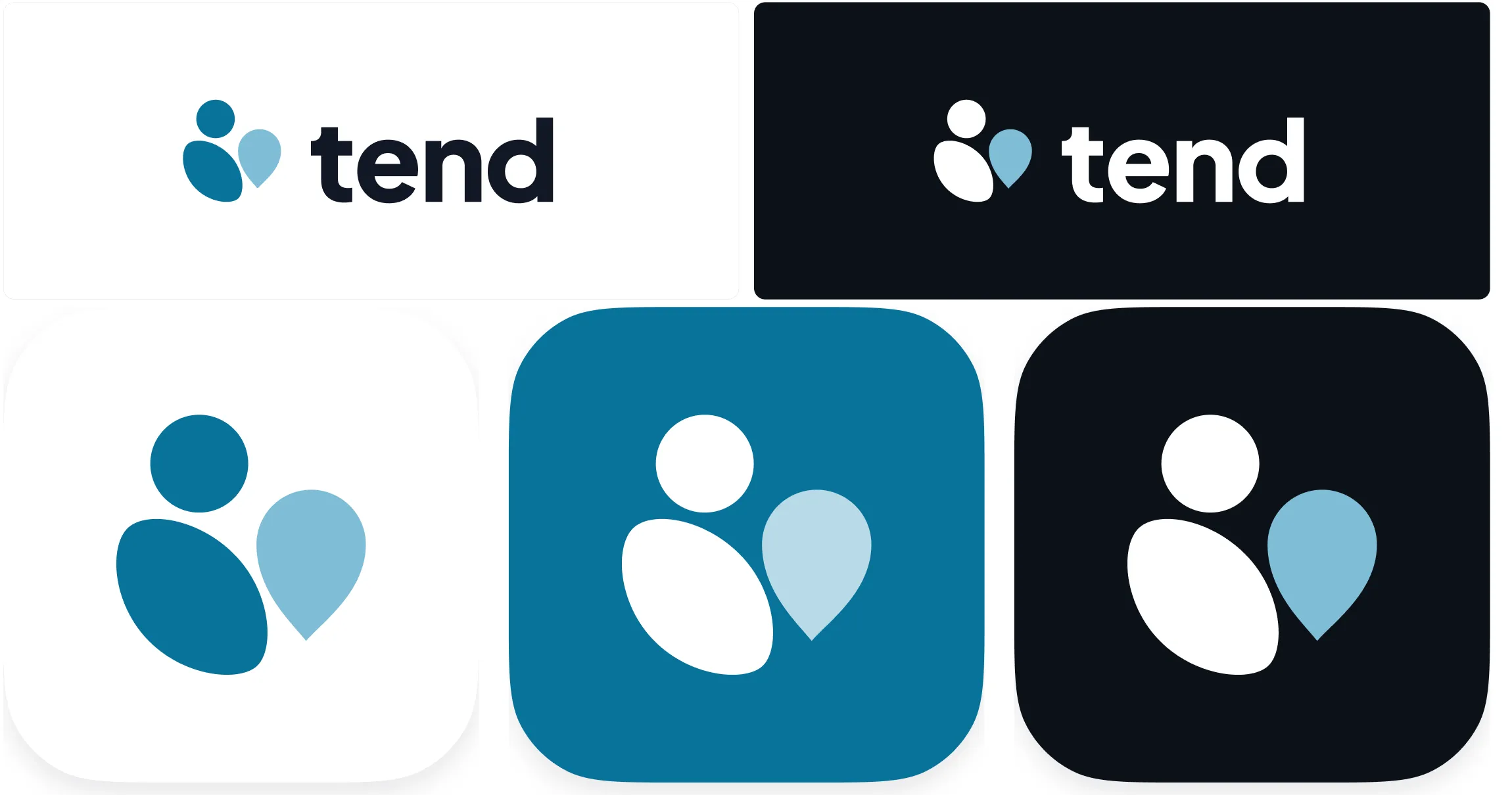
Every color pair passes WCAG AA contrast in light and dark mode. Two didn’t at first, so I fixed them. The logo is two shapes: you and your client.
06 · Phone & desktop
One app, two sizes
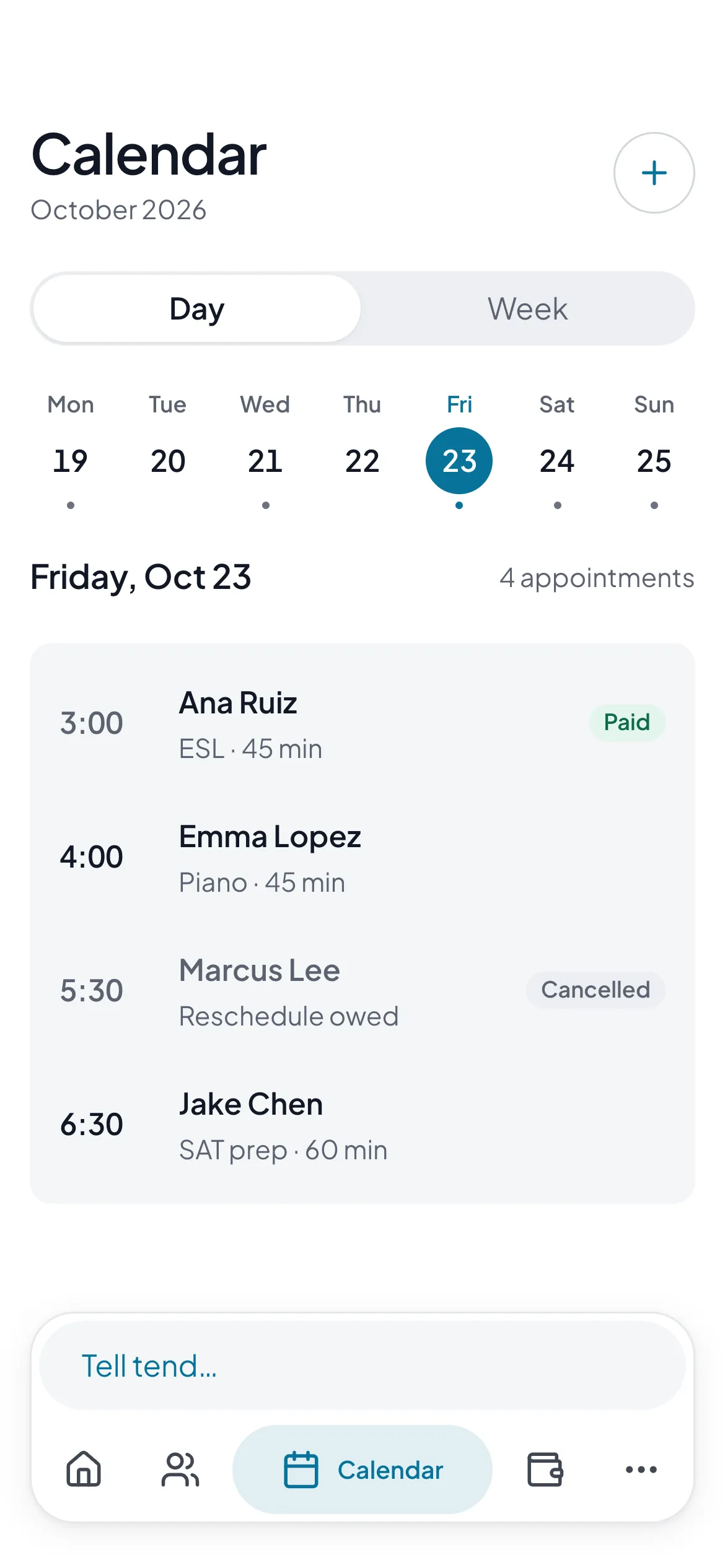
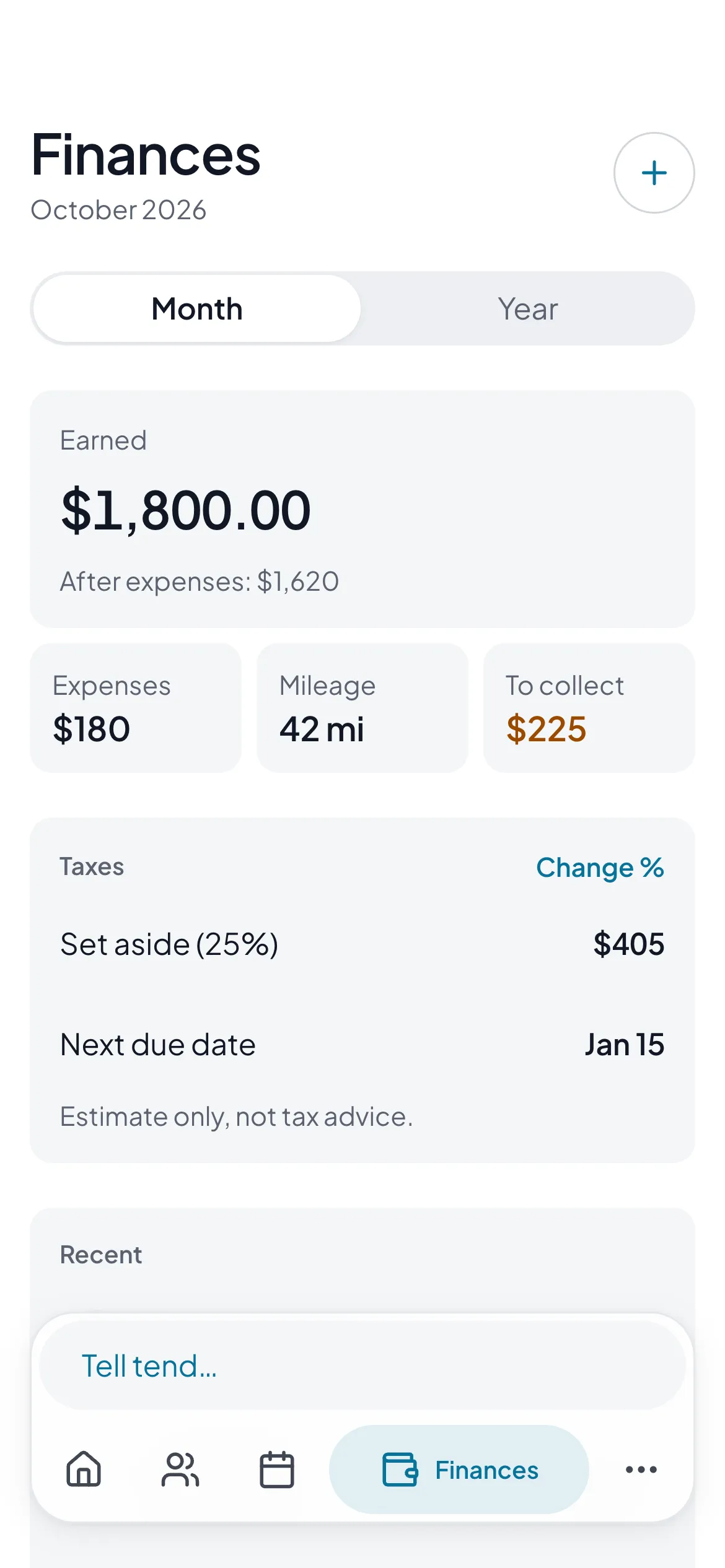
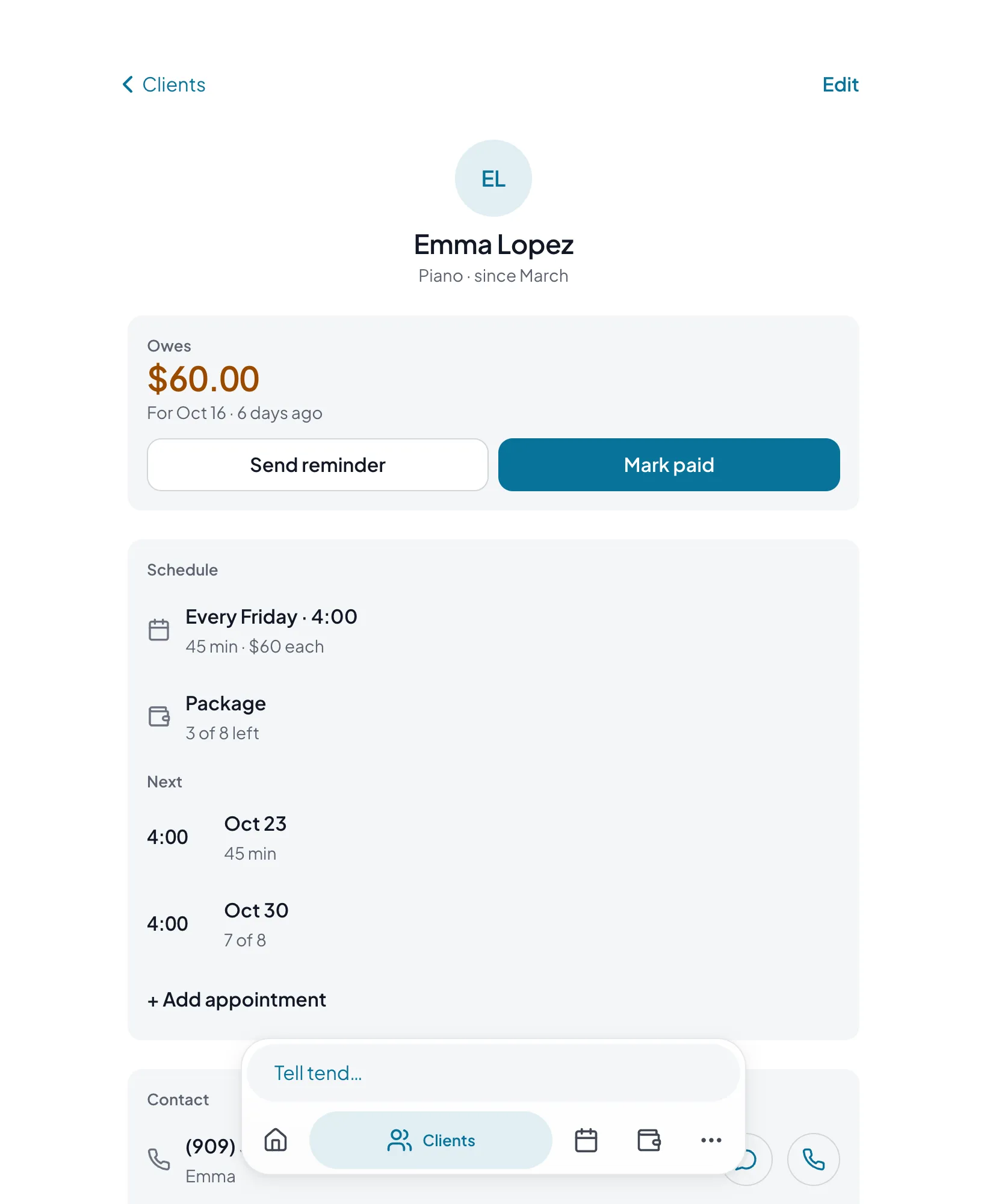
It’s a web app, so it has to feel right on a phone and on a laptop. On a phone, the chat box and the tabs share one floating bar at the bottom, so typing is always one tap away. The active tab shows its name, the rest are just icons.
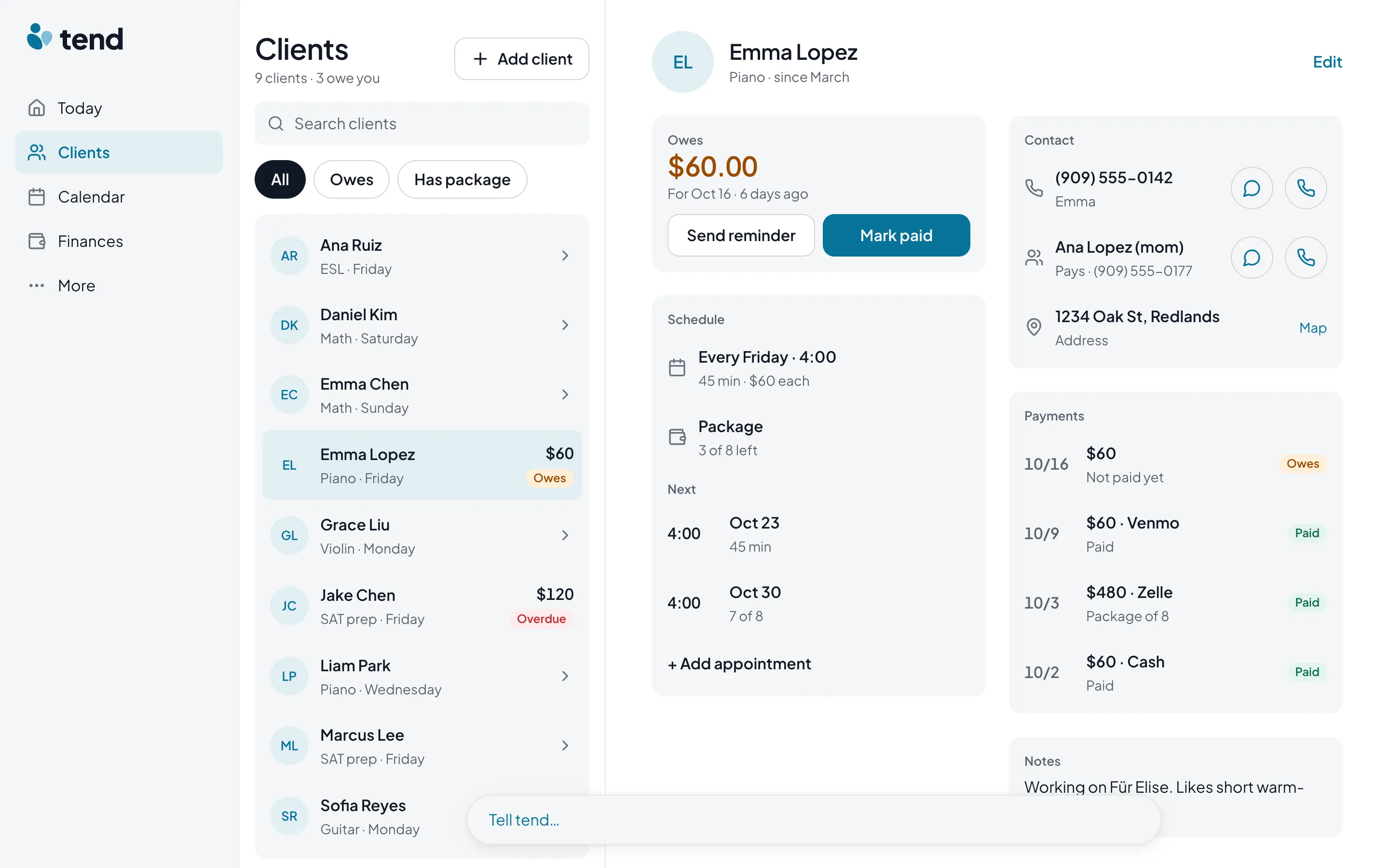
On desktop, the tabs move to a sidebar and the chat stays at the bottom. Clients and their details sit side by side, so switching between them is one click. Both sizes come in light and dark.
Try it: drag the edge
07 · Build
From Figma to a working prototype
Everything started in Figma: color, spacing and type as variables, light and dark modes, and about 35 components. Then I built a working prototype with AI tools like Claude Code, filled with sample data, so people can actually tap through it instead of looking at pictures.
For now the chat box runs on simple rules, not AI. That’s enough to test the idea before paying for the real thing.
08 · Where it stands
What’s next
tend isn’t done. Next up is putting the prototype in front of real tutors, teachers and mobile workers, and finding out where I guessed wrong. After that comes a real backend, donations, and a beta.
I’ll keep updating this page as it goes.
09 · Reflection
What I’m learning
Being the designer and the client at the same time is weird. Nobody tells you no. So I wrote every decision down with the reason next to it, 68 of them so far, and held myself to them.